
To uninstall PDF-XChange Pro from a Windows-based PC, please follow the steps below.
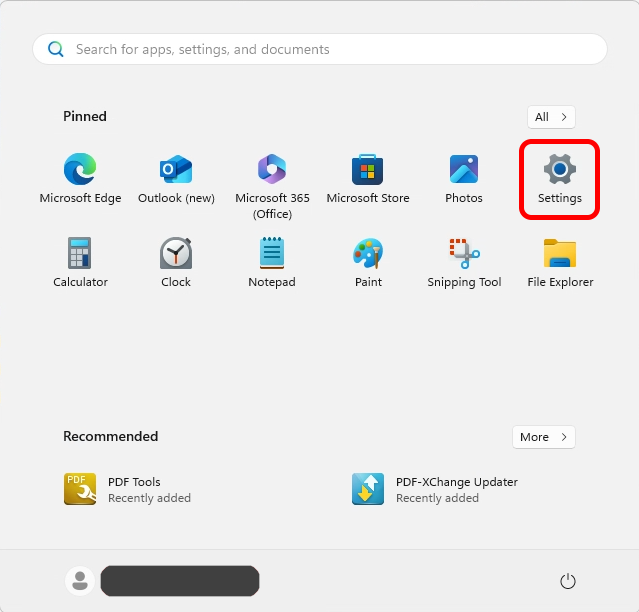
Procedures:- Open the Start menu and click Settings.
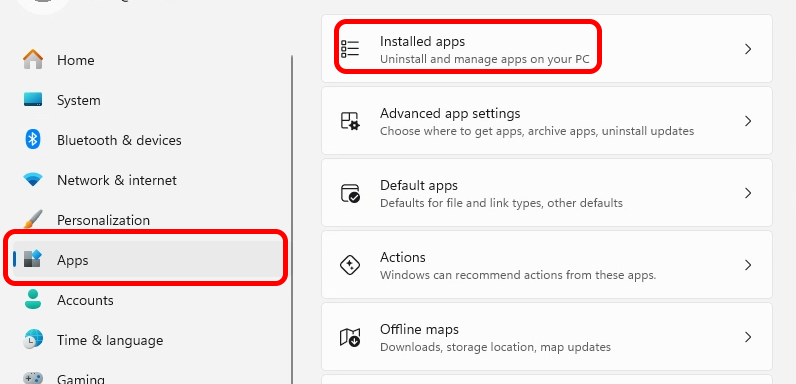
- Click "Apps" in the Settings submenu and click "Installed apps".
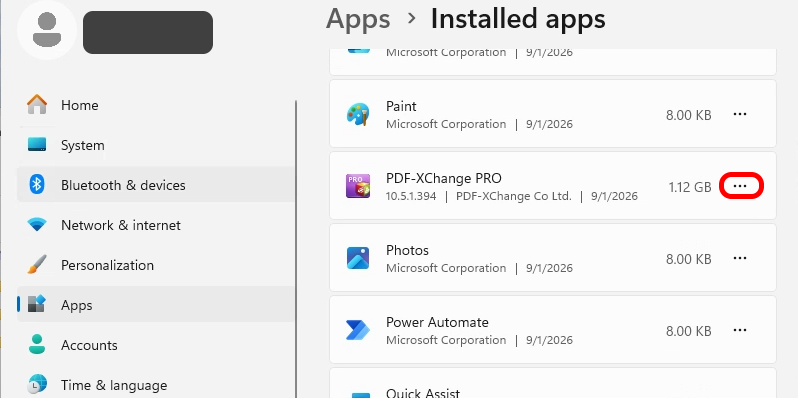
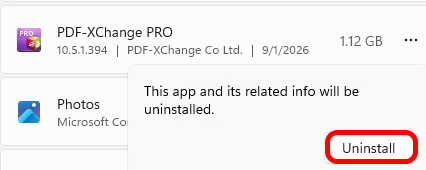
- Find the installed "PDF-XChange Pro" and click "..." .
- Click "PDF-XChange Pro" and then click "Uninstall".
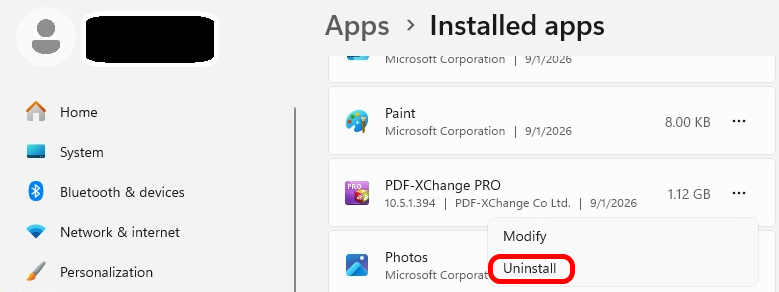
- Click "Uninstall".
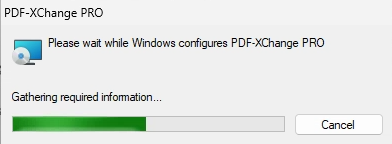
- Wait for the process to complete, and it may take a while.
Author

kwcheng