
MyEdUHK - Mobile App for All
Updates on 15 Sep 2026:The MyEdUHK mobile app has been updated with performance and stability improvements. This update also resolves a technical data conflict issue affecting Android devices and includes SmartTranscribe Lite for staff. Please update the app to enjoy the enhancements.
Updates on 28 Aug 2026:The MyEdUHK mobile app has been enhanced with a range of new features to make everyday campus life more convenient and efficient. The latest updates include estimated shuttle bus departure times, real-time canteen menus, the Library Seat Finder, and viewing of your print quota. Please update the app to the latest version via Apple App Store or Google Play Store to enjoy these new features. (Note: The updated version on HUAWEI AppGallery will be coming soon.)
Click for moreUpdates on 19 May 2026:The MyEdUHK mobile app was released on HUAWEI AppGallery. We encourage all users of HarmonyOS 5 or later to download the app and experience the convenience of MyEdUHK on their mobile devices.
Updates on 20 Mar 2026:The MyEdUHK mobile app was enriched with a link to the Sports Facilities Booking System. Please update the app to the latest version. Updates on 3 Dec 2025:The MyEdUHK mobile app was recently enhanced to offer a brand-new personalisation feature, allowing you to tailor your app interface to suit your unique needs and preferences. Users can customise the home page by choosing between one to eight quick actions. See the video below for the instructions. Updates on 9 Oct 2025:A new notification feature within the MyEdUHK app has been introduced to offer you a more streamlined and efficient user experience. As part of this enhancement, the existing EdUHK Notifications app was phased out and ceased its service on 31 Oct 2025. |
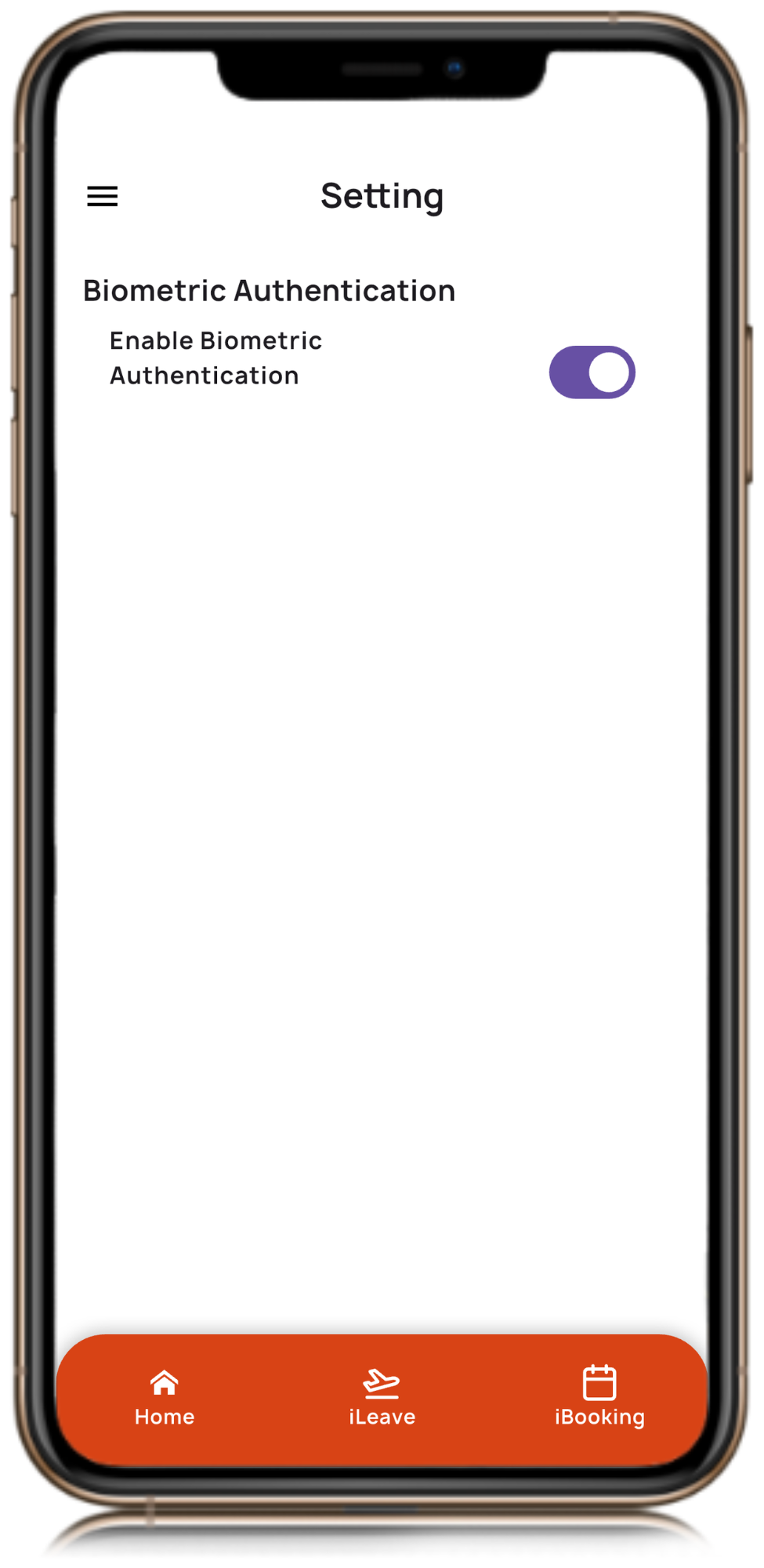
MyEdUHK was first launched in 2020 to provide seamless access to essential systems and resources to students, staff and the public. It was relaunched with a new design and user interface for students in 2024 and for staff in 2025. The app is continuously updated with new features and content to enrich and enhance user experience. Users can log in with their network accounts and passwords, or enable biometric login, i.e. Touch ID and Face ID. Guests can utilise the campus navigation tool and access the EdUHK website through the app.
Key Features
- Catering Services -
- Access to a comprehensive on-campus dining guide
- View the real-time menu of Canteen

- View the daily menu and offerings, Coffee Corner and Café
- Check the real-time canteen queuing status and place orders on your mobile phone
- Locate vending machines and get access to the menu
- Transportation services -
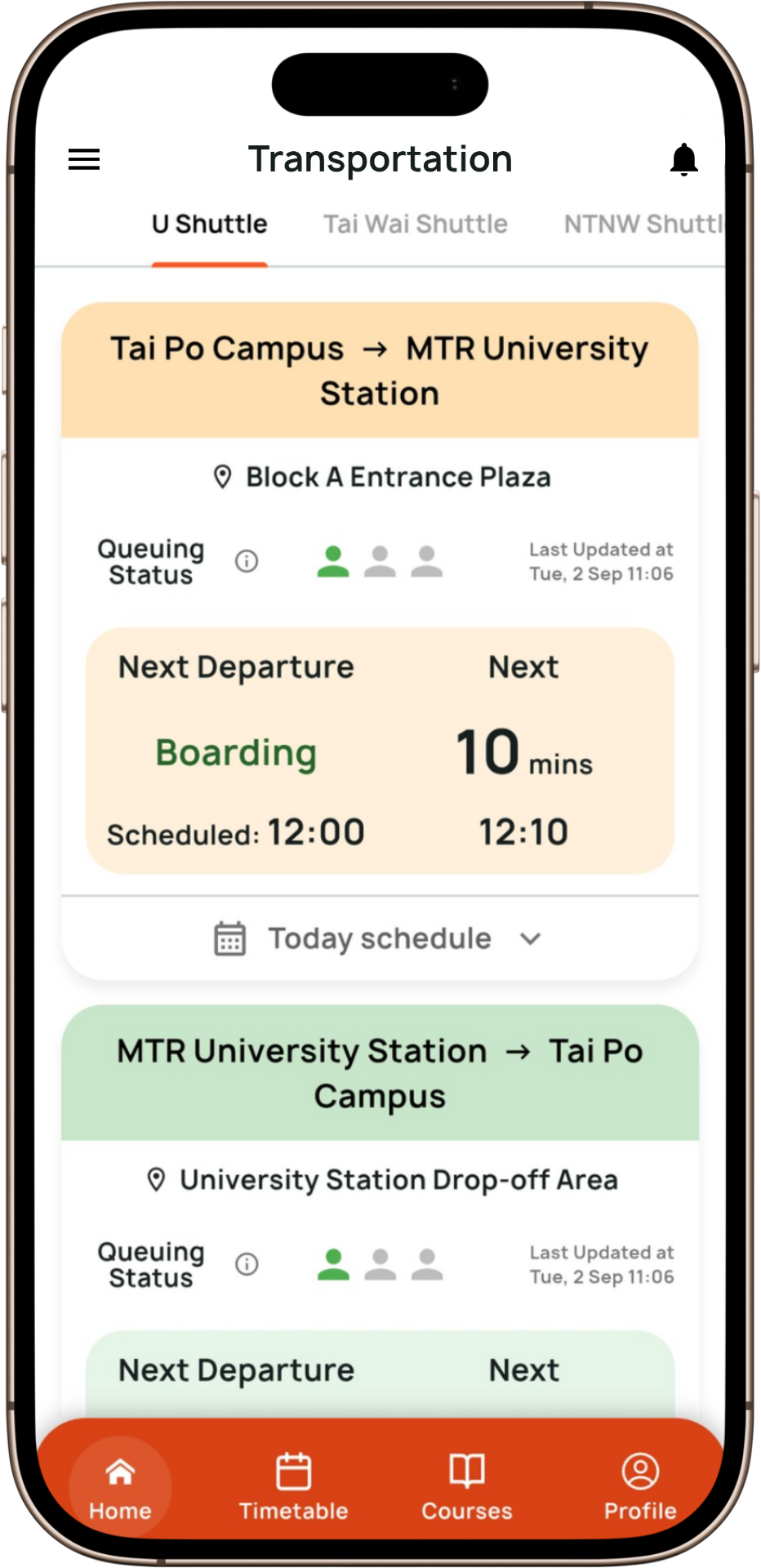
- Get estimated time of departure (ETD) of shuttle bus
- View the shuttle bus schedule
- View the shuttle bus queuing status on campus and off campus at University Station, including the new stop near CUHK Medical Centre, and Tai Wai Station during peak hours
- Get estimated arrival times (ETA) of buses and minibuses
- Get estimated time of departure (ETD) of shuttle bus
- Notification feature - receive instant notifications and alerts directly on your smartphone (This feature was designed to replace the EdUHK Notifications app, which ceased its service on 31 Oct 2025.)
- Portal announcements - students and staff can view announcements and postings on The Portal
- Campus Navigation - a tool for users and visitors to search for a specific room and the route to specific locations on the campus
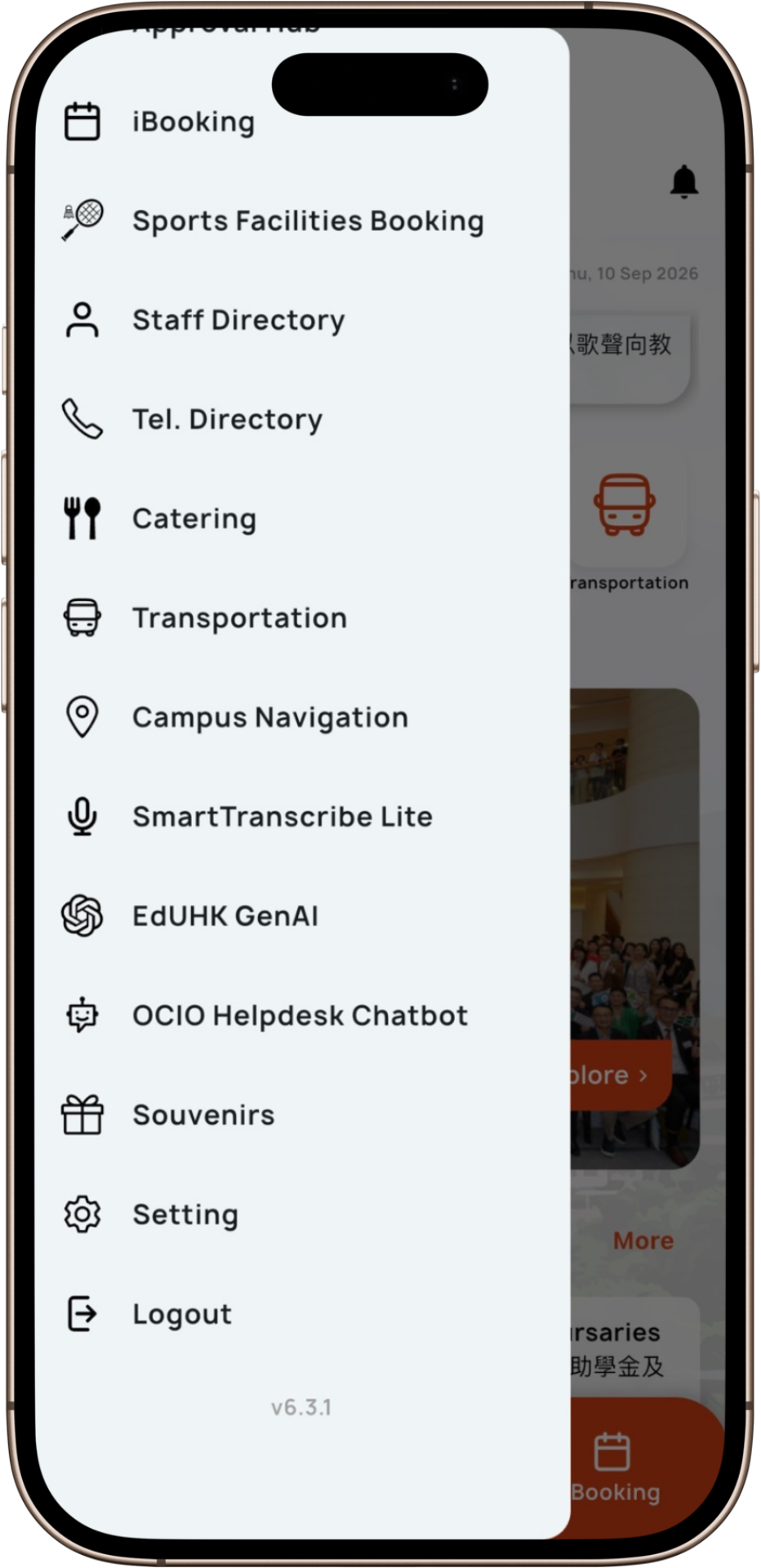
- Quick access to Academic Calendar, General Information, Moodle, MyLibrary, iBooking, Sports Facilities Booking System, OCIO Helpdesk Chatbot, Privileges, etc.
- Personalise your homepage by selecting one to eight quick actions - Whether it’s accessing dining options, checking transportation schedules, or searching for directions on the Tai Po campus, you can now prioritise what matters most to you!
 Video: (If you have problems viewing the video, please click here).
Students Only Features
- Student Profile - View their personal information, registered courses, and time-tickets
- Personal Timetable - Check their personal timetable in daily view or the full schedule of the semester
- Account Balance - Enjoy the convenience of checking their account balance via the app
- Course Grading - A quick access for students to check their grades
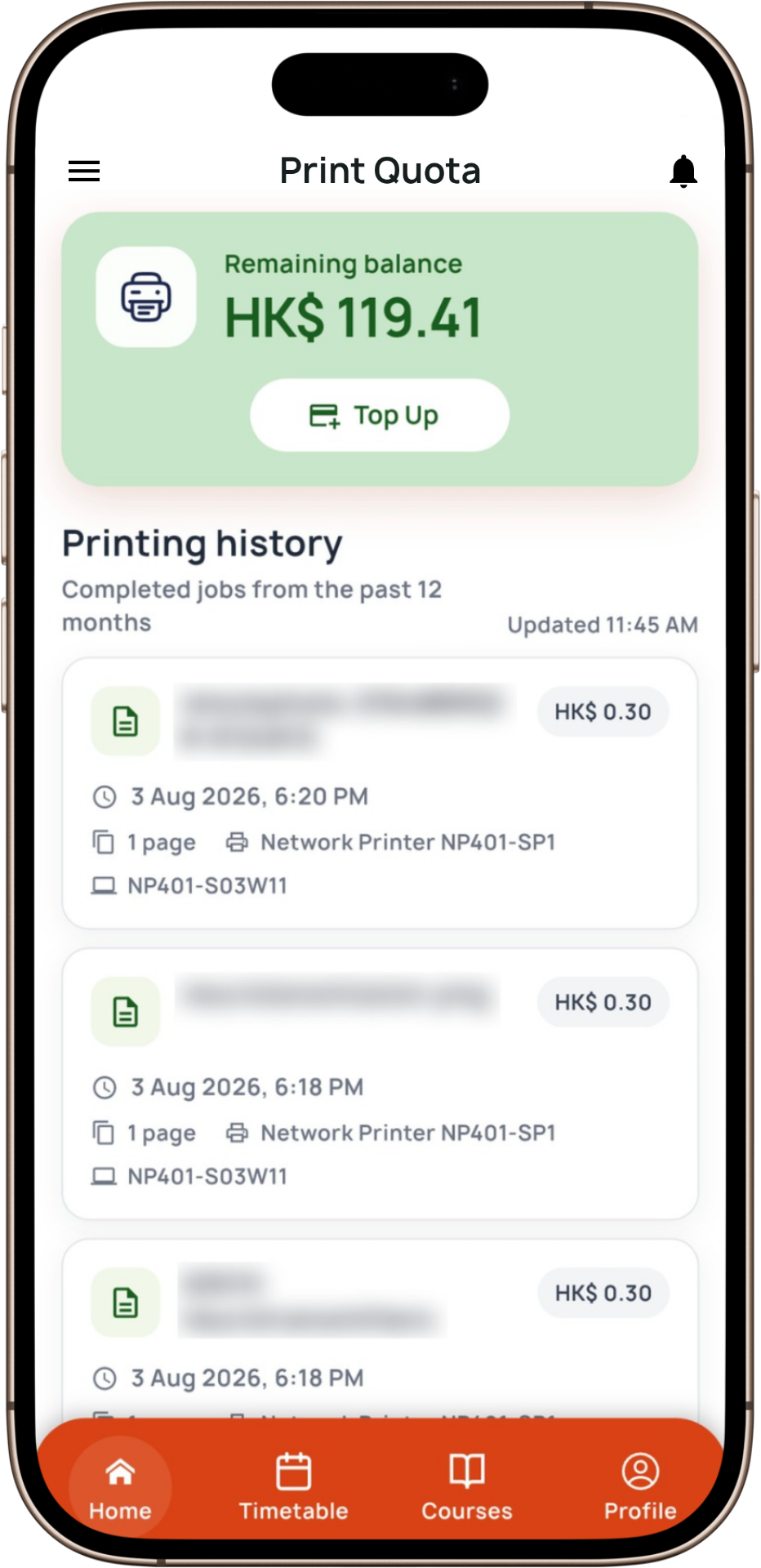
- Print Quota: Print quota balance and transaction history on the go
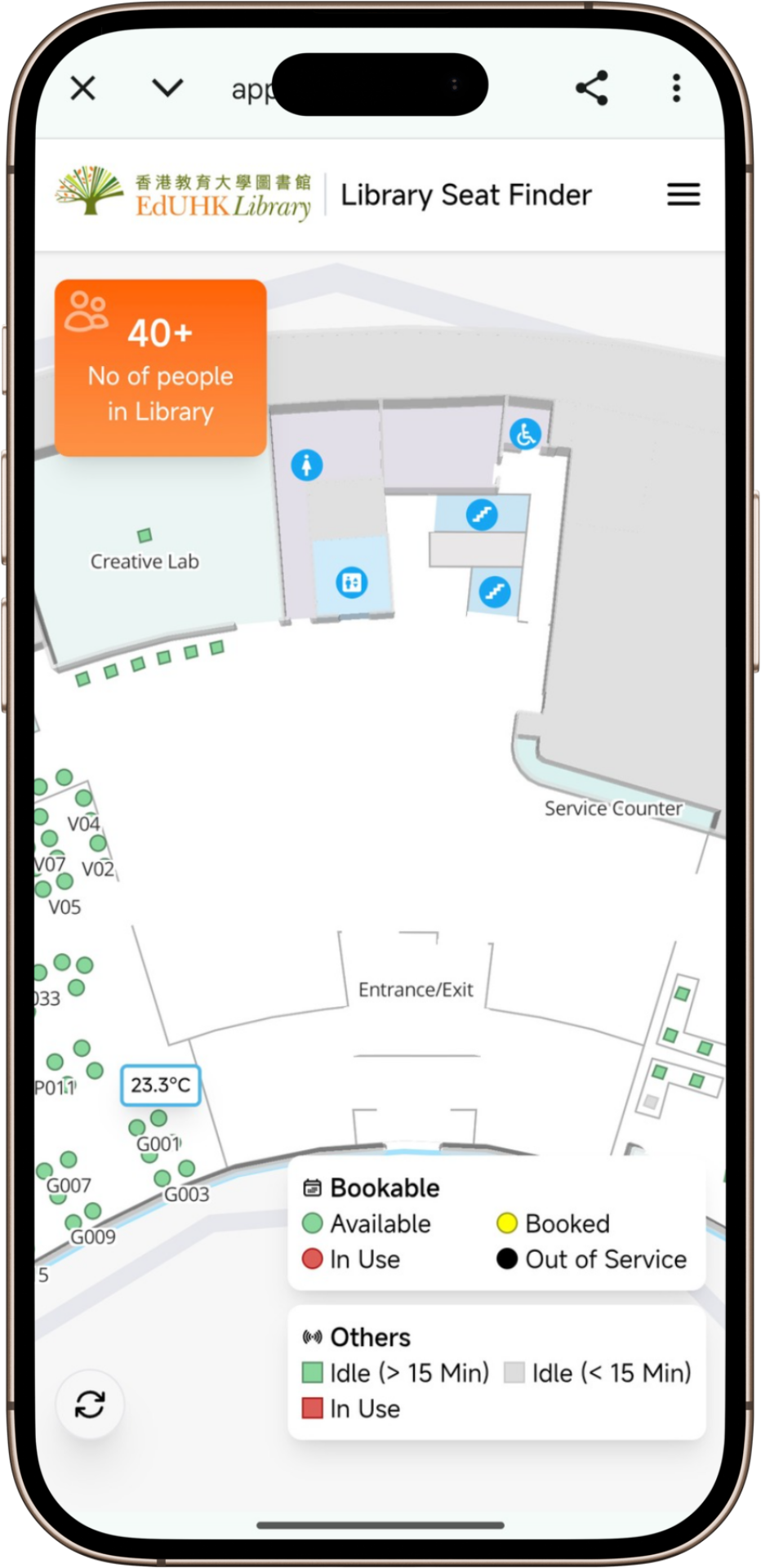
- Library Seat Finder - Integrated tool to locate available study spaces in real time
- Quick access to Student Handbook, ELAT, iHostel, Online Payment Portal, Floating Study Areas and Dining Areas, etc.
Staff Only Features
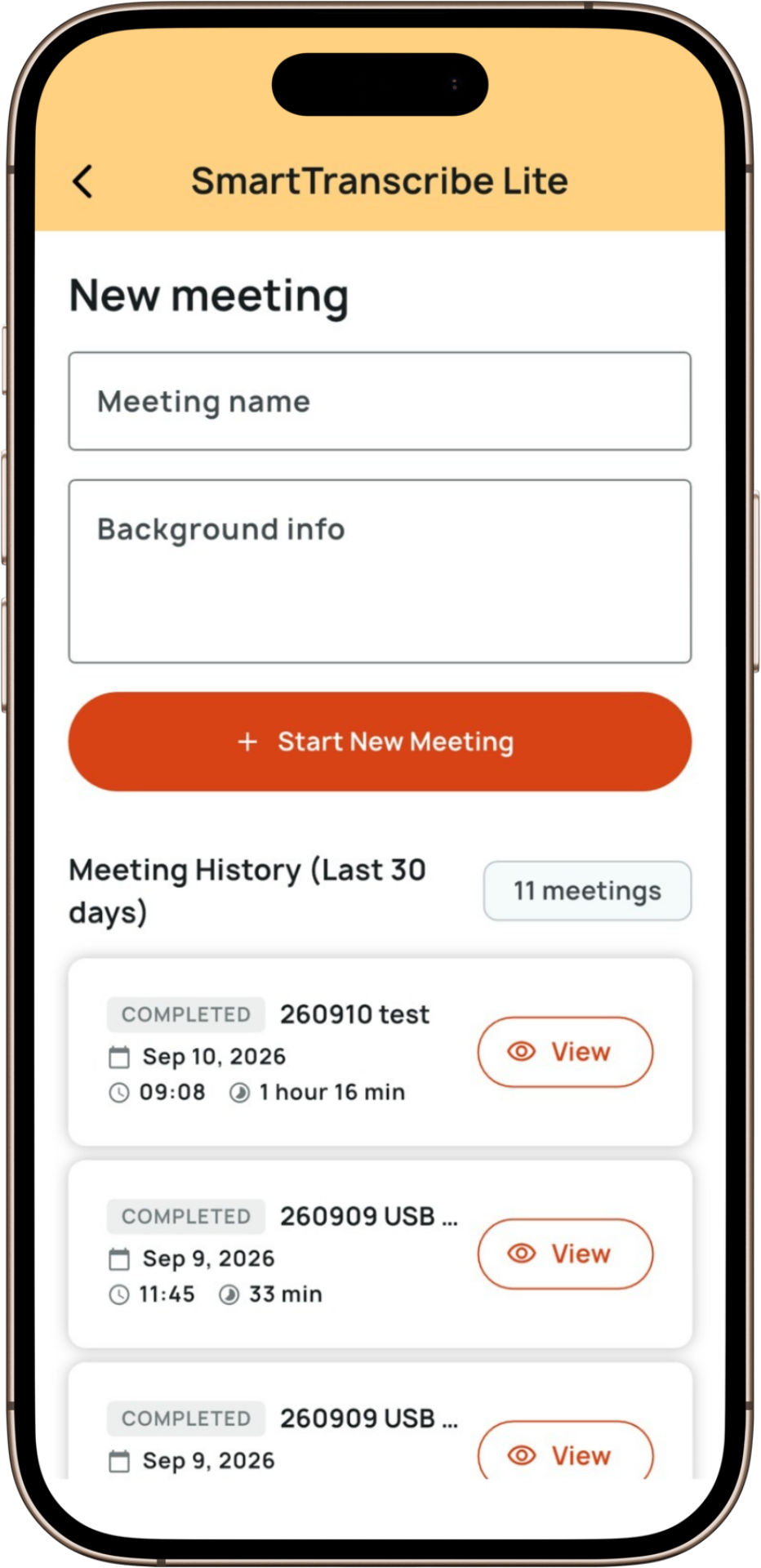
- SmartTranscribe Lite - a streamlined version of SmartTranscribe, focusing on core transcription and summarisation functionalities, offering a more efficient experience for colleagues
- Approval Hub - A hub for the management of approvals on iLeave, iProcurement and ePerformance
- Quick access to Medical and Dental Benefits, Leave Balance, iLeave, etc.
Note: More features and useful links are released from time to time, and removed as appropriate, without prior notice.



Student Functions


Staff Functions

How to get the app?
Download or update the app from Google Play, App Store, HUAWEI AppGallery, or scan the QR codes below.
  |   |   |
 Download APK (If you cannot use Google Play) |