
EdUHK SmartTranscribe (Pilot)
EdUHK SmartTranscribe (https://sclabs.eduhk.hk/SmartTranscribe/), launched as a pilot in Feb 2026, is an AI-driven, web-based tool designed for real-time transcription and summarisation for administrative purposes. By utilising speech recognition and natural language processing, it streamlines meeting documentation and reduces manual effort. The tool currently supports English, Cantonese and Putonghua, as well as real-time recording and audio file upload.
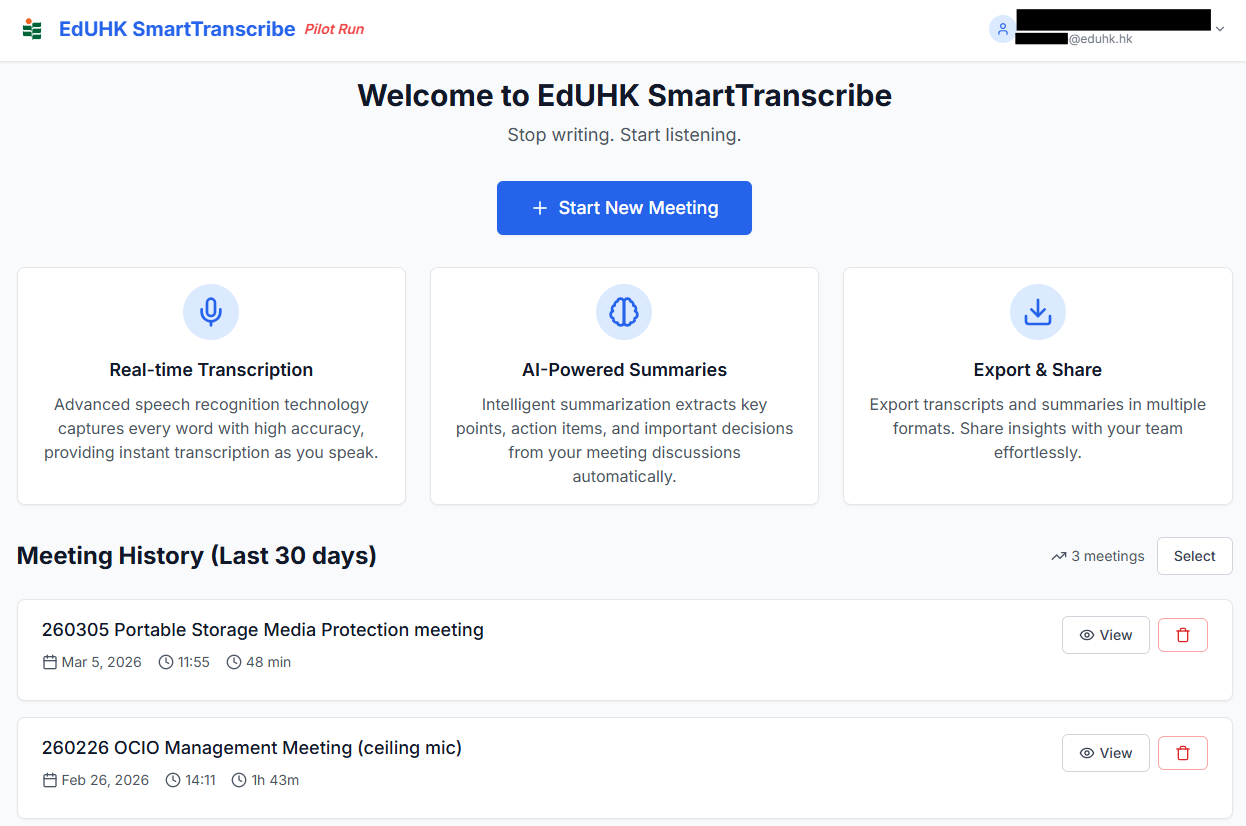
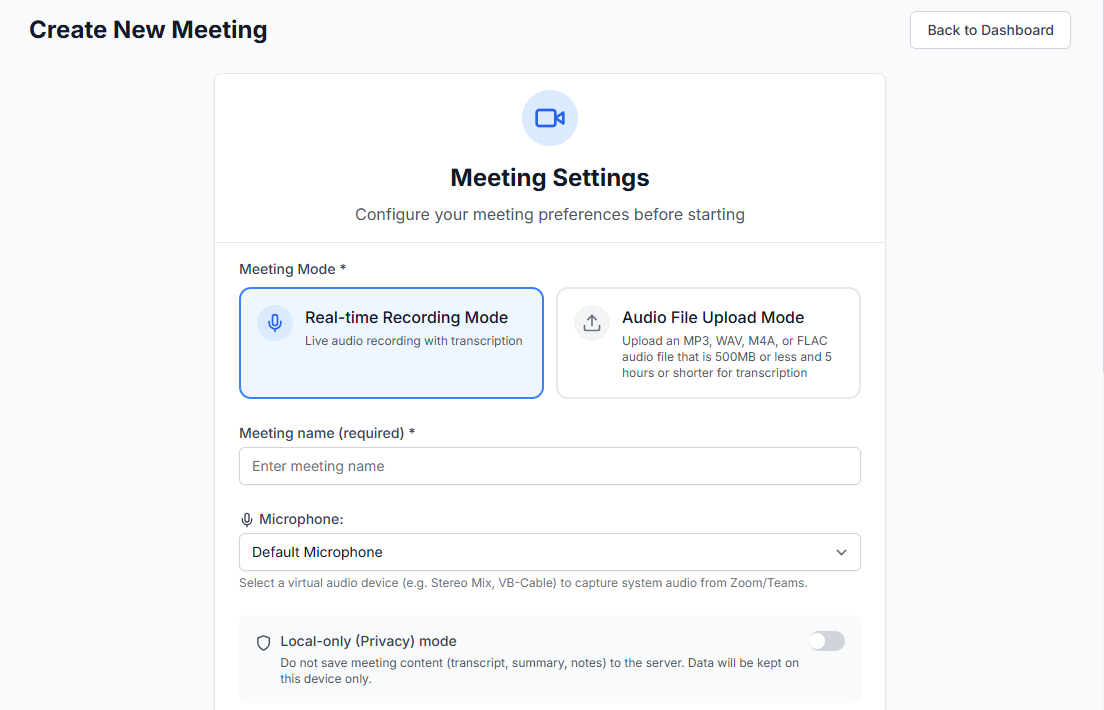
Main features:
- Automatically generates meeting transcription, summary and meeting notes
- Allows users to choose from structured, action-focused, and committee-style meeting notes formats, or upload their own personal template (in PDF or DOCX format)
- Offers the flexibility to store generated meeting contents (i.e. transcript, summary and meeting notes) locally or on the server, encrypted for 30 days
- Allows users to create their own password for accessing the meeting content
- Supports live recording playback and audio capture in Zoom and Teams meetings in real-time recording mode
- Supports the upload of audio files in MP3, WAV, M4A and FLAC below 500MB within 5 hours long
- Features speaker diarisation that automatically identifies and labels speakers in the transcript (available in Audio File Upload Mode)

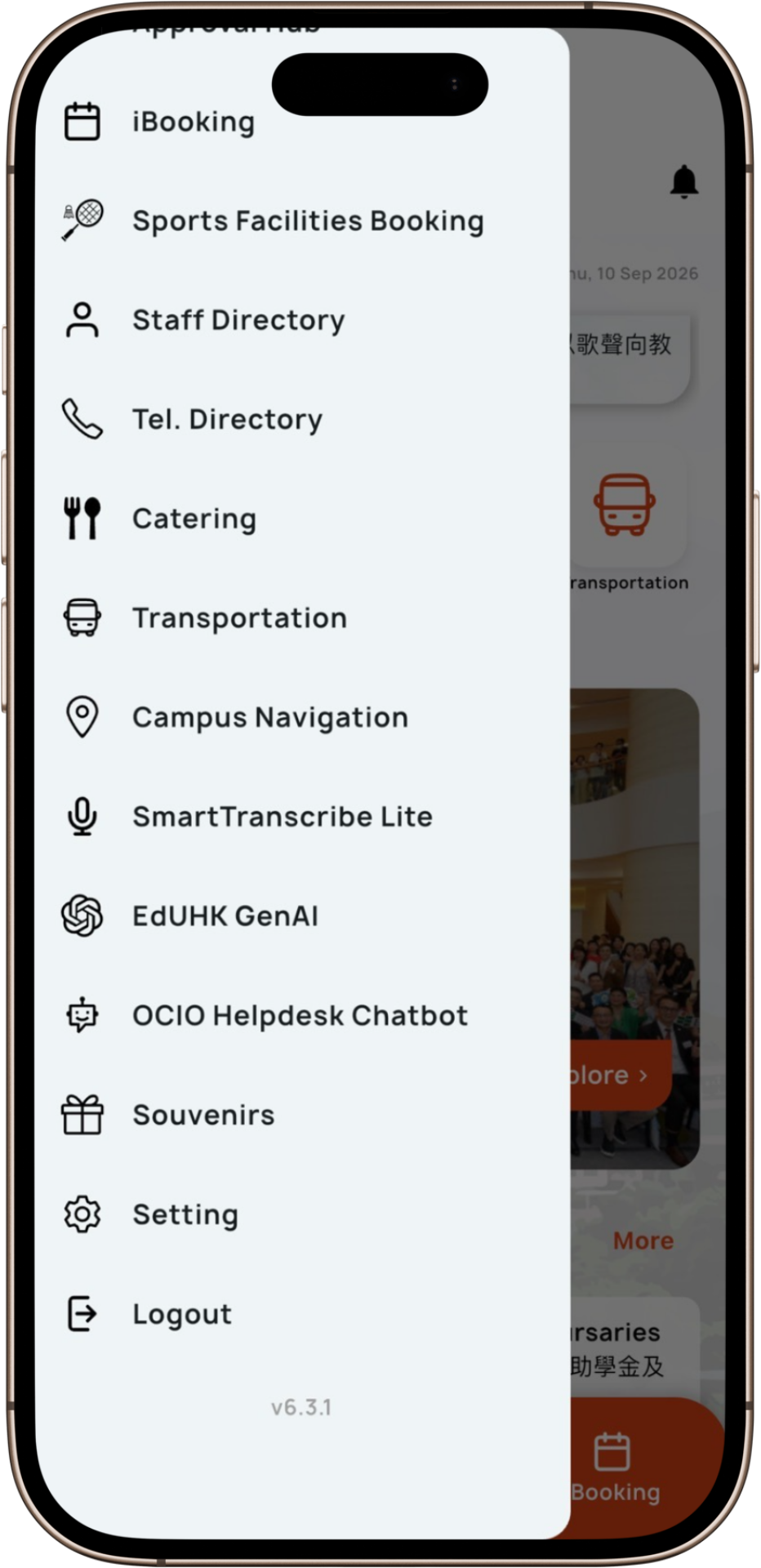
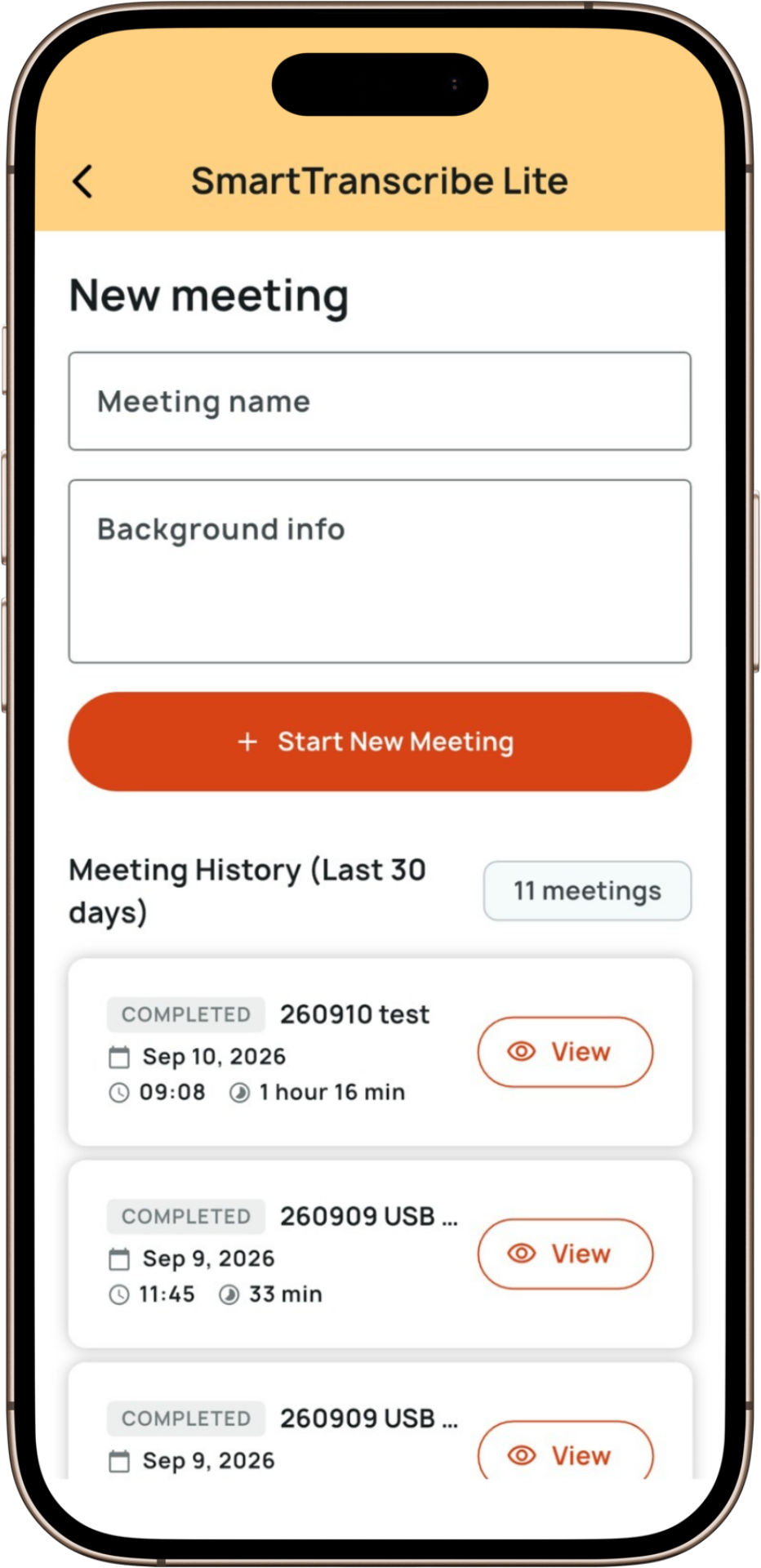
- Provides mobile support via SmartTranscribe Lite, a streamlined version focusing on core transcription and summarisation functionalities, available exclusively on the MyEdUHK mobile app Please see MyEdUHK - Mobile App for All for the download instructions.
Please note:
- Transcription typically takes approximately half the length of the audio file uploaded (e.g., 15 minutes for a 30-minute file). Users will receive an email notification once the transcription is completed.
- Live recordings and uploaded audio files cannot be exported and will be stored on the server for 30 days only. Users can delete recordings and uploaded audio files from the system after the meeting content has been generated.
- Reminder on Privacy: As stipulated in the Personal Data (Privacy) Ordinance, the audio recording itself may be regarded as personal data. Therefore, the meeting host should clearly inform participants before the recording commences and state the purpose, use, etc of the recording. Please refer to the EdUHK Personal Data Protection webpage for details.
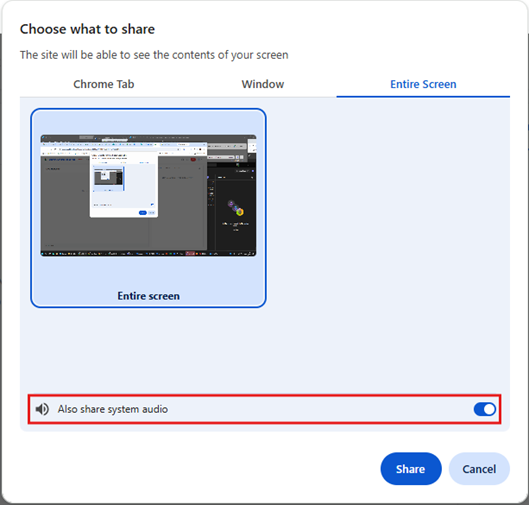
- To use the audio capture feature in Zoom and Teams meetings, please check the Capture System Audio in SmartTranscribe and choose to share “Entire Screen” with “Also share system audio” enabled when prompted. For the best experience, we recommend using Chrome or Edge on a PC.

We are committed to ongoing improvement. EdUHK SmartTranscribe is continually enhanced with new features, released from time to time.
Who can access the application?
All staff members have access to the application. Simply log in with their EdUHK email and password.
User Manual
Please click here for the user guide.
Enquiry
Should you have any questions or require assistance, please do not hesitate to contact IT Help Desk at 2948 6601 or helpdesk@ocio.eduhk.hk.